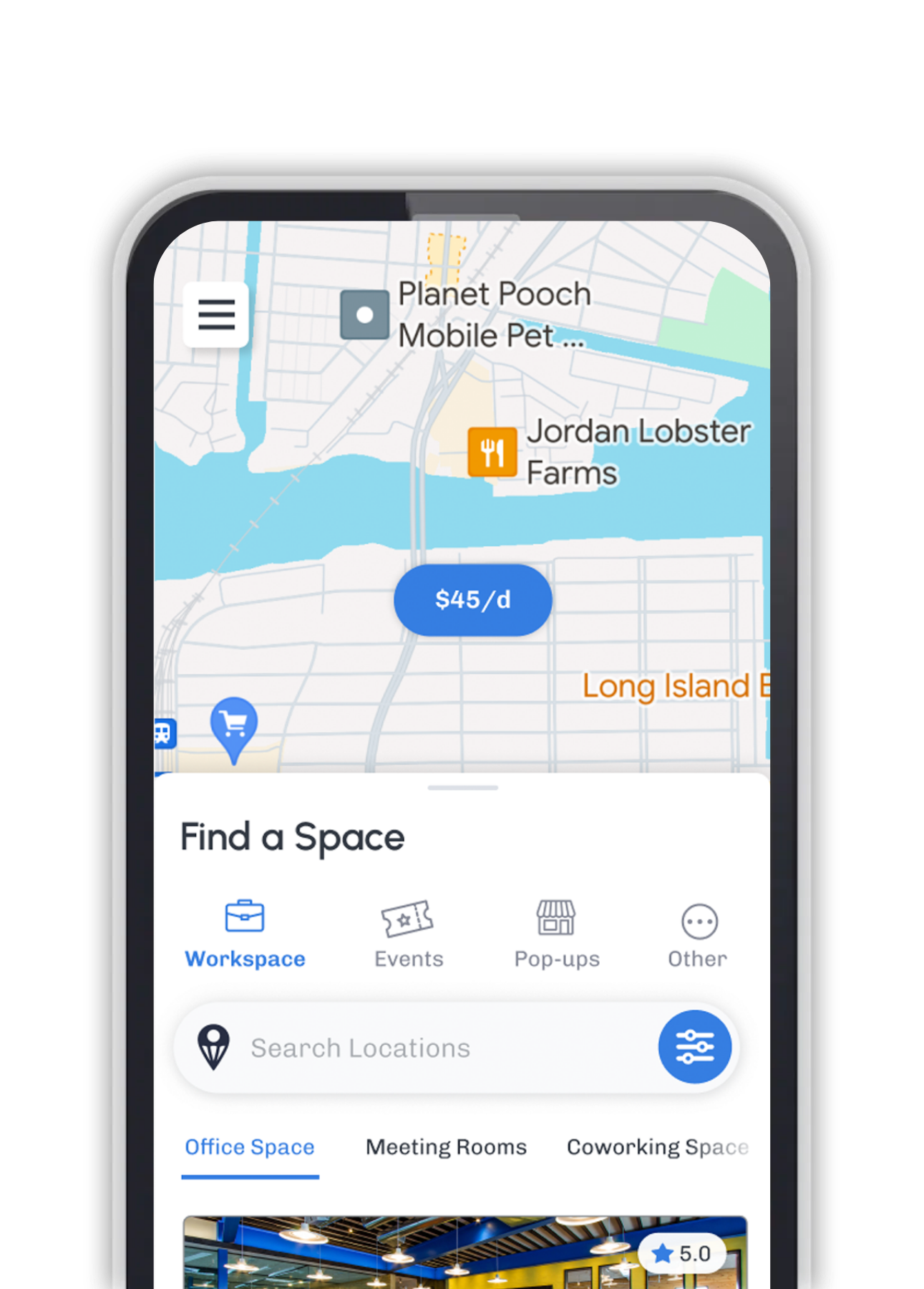
Restaurant margins are notoriously thin—often hovering between 3% and 6%. Yet, for many dinner-focused venues or spacious cafes, the biggest asset (the real estate) sits empty or underutilized for 40+ hours a week.
Turning your restaurant into a coworking space isn't about pivoting away from food; it's about dayparting—using your quiet hours to generate a new, high-margin revenue stream.
The Napkin Math: Why This Works
Unlike food service, which requires high labor and food costs,coworking revenue is almost pure profit because the rent, HVAC, and insurance are already paid for.
The Scenario: You have 10 empty tables from 9:00 AM to 4:00 PM.
The Model: You monetize them at just $20/day per seat.
The Result: That is $200/day. Over 20 weekdays, that equals $4,000 in additional monthly revenue with zero increase in rent and minimal increase in labor.
Here is your step-by-step guide to executing this strategy. Ready to start? Learn how to list your space on DropDesk.
Step 1: Decide If Your Restaurant Is A Good Fit
Some concepts adapt naturally to coworking; others struggle. You need the right environment to attract productive workers.
Best Candidates:
- Dinner‑only restaurants: You have zero conflict with daytime diners and fixed rent costs that need to be covered.
- Spacious Cafes/QSR: Venues with existing coffee programs and counter service.
- Comfort focus: Spaces with padded seating, good natural lighting, and reliable bathrooms.
Red Flags:
- Extremely dark "mood" lighting or loud acoustics.
- Layouts where power outlets are inaccessible.
- Heavy daytime prep usage or private events that conflict with quiet work.
Step 2: Choose A Coworking Business Model
How you monetize determines the type of guest you attract.
The Membership Model (Recommended):
Offer day passes or monthly memberships that include a guaranteed seat, Wi-Fi, and bottomless coffee. This guarantees revenue even if they don't buy lunch.
The Hybrid Model:
Charge a small access fee (e.g., $5/hour) that serves as credit toward food and beverage.
The "À La Carte" Model (Risky):
Workers pay only for what they eat. Warning: This creates the "Camper" problem where someone buys one tea and stays for 6 hours.
Step 3: Map Your Dayparting And Hours
Coworking works best when it fills your slow times, not your peak service.
- Dinner‑only: Open for coworking from 9:00 AM to 4:30 PM, then flip the room for dinner service.
- Multi‑level venues: Dedicate the upstairs mezzanine for coworking while keeping the main floor for lunch diners.
- Quiet Weekdays: Offer coworking Monday–Friday only, keeping weekends open for your regular brunch/lunch crowd.
Pro Tip: Be strict about the "Laptop Cutoff Time." If dinner starts at 5:00 PM, the coworking session must end at 4:30 PM to give your staff time to reset the room.
Step 4: Plan Layout, Seating And Infrastructure
You don't need a renovation, but you do need a plan.
Power is King:
If you don't have outlets at every table, invest in high-quality power strips or portable battery packs (like OmniCharge) that you can rent out.
The "Guest" Network:
Do not put coworkers on your POS Wi-Fi network. Set up a separate, high-speed Guest Network. This ensures your credit card processing remains secure and PCI compliant, while giving workers a fast connection.
Seating Strategy:
Assign specific "hot desk" tables for individuals and larger communal tables for teams. Keep your best 4-tops open for lunch diners if you are running a hybrid model.
Step 5: Define Your Pricing & "House Rules"
Clarity solves conflict. The biggest fear restaurant owners have is the "Laptop Squatter." A formal coworking program solves this by turning squatters into paying members.
The "Camper" Solution: When access is paid (either via membership or day pass), the guest is no longer "loitering"; they are a customer. This removes the awkwardness of staff having to ask people to leave.
House Rules to Publish:
- Laptop‑friendly hours: "Laptops down at 4:30 PM."
- Call Policy: "Video calls allowed in the lounge; quiet zone in the main dining room."
- Outside Food: "No outside food allowed; please support our kitchen."
Step 6: Adjust Menu And Service For Efficiency
Coworkers want speed and fuel, not a 3-course experience.
The Menu:
Create a limited "Worker's Menu" featuring easy-to-eat items (wraps, bowls) that don't make a mess on laptops.
Coffee Service:
This is non-negotiable. If you don't have an espresso machine, high-quality drip coffee is sufficient, provided it is fresh and free-flowing.
Service Style:
Use QR codes at the table. Remote workers hate being interrupted by servers asking "How is everything?" every 20 minutes. Let them order from their phone when they are ready.
Step 7: Automate The Booking (Don't Do It Manually)
You are running a restaurant, not a reception desk. If you try to manage coworking with spreadsheets and manual credit card swipes, you will overwhelm your staff.
The Fix: Partner with a platform like DropDesk.
- Automated Billing: Members pay online before they arrive.
- Inventory Control: You set how many seats are available (e.g., "15 Desks") so you never overbook your floor plan.
- Marketing: We push your venue to thousands of remote workers looking for a place to sit.
- Zero Admin: Your staff simply checks them in via a tablet, and the system handles the time-tracking and billing.
Step 8: Train Staff And Create Processes
Your staff will make or break the guest experience.
- The Welcome: Train staff to recognize a "Coworker" vs. a "Diner."
- The Transition: Create a checklist for the 4:30 PM "Flip." Lights go down, music goes up, power strips are collected, and "Reserved for Coworking" signs are removed.
- Cleaning: Long-stay guests create more crumbs than 45-minute diners. Ensure tables are wiped thoroughly between seatings.
Step 9: Marketing & Visibility (Digital & Physical)
You need to capture both the digital nomad searching online and the local walking past your door.
Street-Level Visibility:
The A-Frame Sign:
Place a sandwich board outside during coworking hours. A simple message like "Work From Here Today: Wi-Fi, Coffee & A/C Included" captures immense foot traffic.
Window Decals:
Apply a static cling decal to your front door or window (e.g., "Powered by DropDesk") to signal to remote workers that they are welcome and the space is equipped for them.
Digital Conversion:
Google My Business (GMB):
This is your most important funnel. Don't just update your text description.
- Add the Action Button: Configure the "Book Online" or "Reserve" button on your GMB profile.
- Link to DropDesk: Connect that button directly to your DropDesk checkout page. This allows a user to find you on Maps and purchase a Day Pass in two clicks without calling the restaurant.
The Soft Launch:
Invite 10-15 friends or loyal customers to work from your space for free for one day. Ask them to test the Wi-Fi speed during a video call, try the power outlets, and order lunch. Fix any bottlenecks before going public.
Step 10: Legal & Insurance Check
Before launching, do a quick due diligence check.
- Insurance: Call your provider to confirm that your general liability policy covers "office use" or business activity. Usually, this is covered under standard liability, but it is worth verifying.
- Zoning: Ensure your lease or local zoning allows for mixed-use. In 99% of cases, if you are zoned for assembly/restaurant, coworking is a permitted use, but it pays to be sure.
Step 11: Track Results And Iterate
Treat your coworking program like a new menu item—if it doesn't sell, tweak the recipe.
- Track: Daytime revenue per seat.
- Adjust: If the Wi-Fi is struggling, upgrade your bandwidth (it's a tax-deductible business expense). If the music is too loud, create a specialized "Daytime Playlist."
The Restaurant-to-Coworking Launch Checklist
Use this step-by-step guide to transform your venue from an empty dining room into a profitable workspace.
Phase 1: Feasibility & Strategy
- [ ] Conduct a "Quiet Hour" Audit: Sit in your restaurant during the day. Is it too dark? Is the fridge compressor too loud?
- [ ] Check Your Lease: Verify there are no restrictions on "general business" or "office use" in your tenant agreement.
- [ ] Verify Insurance: Call your provider to confirm general liability covers daytime working guests.
- [ ] Select Your Model: Decide if you will offer Day Passes (flat fee), Memberships (recurring), or a Hybrid model.
- [ ] Define the Schedule: Set specific "Coworking Hours" (e.g., 9:00 AM – 4:30 PM) and a strict "Laptop Down" cutoff time.
Phase 2: Infrastructure & Tech
- [ ] Audit Power Access: Count your accessible outlets. Buy commercial-grade power strips or portable battery packs (like OmniCharge) for tables that lack wall access.
- [ ] Set Up Guest Wi-Fi: Create a dedicated, password-protected network separate from your POS system to ensure speed and security.
- [ ] Map the Floor Plan: Designate "Quiet Zones" (heads-down work) vs. "Call Zones" (phone-friendly areas).
- [ ] Choose a Management Platform: Set up your venue on DropDesk to handle billing, inventory, and check-ins automatically.
Phase 3: Operations & Menu
- [ ] Create the "Worker's Menu": Design a simplified lunch/snack menu focused on speed and neatness (bowls, wraps, handhelds).
- [ ] Implement QR Ordering: Place codes on tables so workers can order without waiting for a server.
- [ ] Draft "House Rules": Write clear policies on noise, phone calls, and the 4:30 PM cutoff. Print these for the check-in desk or frame them on tables.
- [ ] Create the "Flip" Checklist: Write a procedure for staff to transition the room from coworking to dinner service (lights, music, cleaning).
Phase 4: Marketing & Visibility (Digital & Physical)
- [ ] Order Sidewalk Signage: Purchase an A-Frame ("Sandwich Board") to place outside during working hours. (e.g., "Coworking Open Today: Wi-Fi, Coffee & A/C").
- [ ] Apply Window Decals: Place a static cling decal on your front door (e.g., "Powered by DropDesk" or "Laptop Friendly") to signal to passersby that remote work is welcome.
- [ ] Optimize Google My Business: Add "Coworking" as a service category to your profile.
- [ ] Integrate Booking Links: Update the "Book Online" or "Reserve" button on your Google Maps profile to link directly to your DropDesk checkout page.
- [ ] Host a Soft Launch: Invite 5–10 friends to test the Wi-Fi load and workflow for a free day before going public.
- [ ] In-Venue Marketing: Place table tents on tables during dinner service advertising the new daytime option.
The Essential Amenities Inventory
To justify a paid day pass or membership, you must offer more than just a chair. Here is what remote workers consider "Non-Negotiable" versus "Nice-to-Have."
🚨 Non-Negotiable (The Basics)
If you are missing any of these, you are not ready to open.
- High-Speed Wi-Fi: Minimum 50 Mbps download / 10 Mbps upload. Must be reliable during peak usage.
- Power Accessibility: A ratio of 1 outlet per 1-2 seats. No one will stay if their battery dies.
- Coffee & Tea Station: Whether it's a self-serve urn or barista service, coffee is the fuel of coworking.
- Restrooms: Clean, stocked, and accessible without asking for a key code.
- Climate Control: Restaurants often turn AC/Heat down during the day to save money. You must keep the temperature comfortable (68–72°F) for sedentary workers.
⭐ Value-Add (The Upgrades)
These allow you to charge a premium price.
- Phone Booth / Privacy Nook: A quiet corner or designated booth for taking sensitive Zoom calls.
- Ergonomic Enhancements: Adding cushions to wooden chairs or offering a few standing-height tables.
- Secure Storage: A small area behind the bar or host stand where a guest can leave their bag while they use the restroom.
- Printing: A basic wireless printer for occasional document needs (rarely used, but high perceived value).
- Monitor Rentals: Keeping 2–3 spare monitors available for rent creates a massive "pro" vibe.

Graham Beck
Graham Beck is the Co-founder and CEO of DropDesk, a platform dedicated to a singular, transformative mission: unlocking the potential of underutilized spaces to foster human connection.